
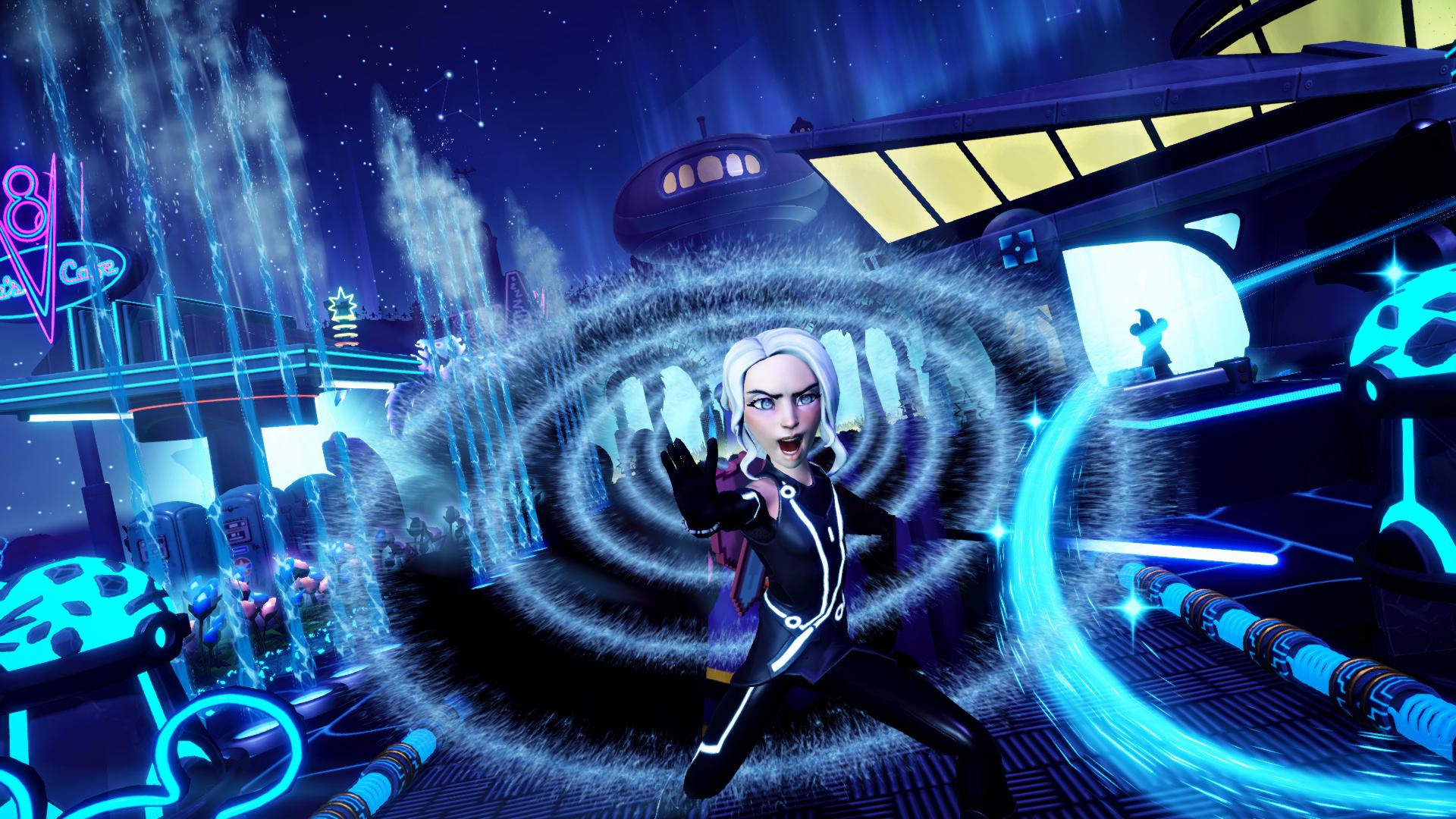
Two screenshots can be beautiful for different reasons. One may show your character clearly while another has a more atmospheric background. Instead of asking which is prettier, decide what the picture needs to communicate. This is a creative review method, not a scoring formula or a promise of votes.
Give both versions a fair comparison
Compare the original files on the same screen at the same size. A cropped messaging preview can hide the edges of one shot; a brighter phone display can change which lighting you prefer. If possible, make two versions that change just one thing: the lighting, the camera position, or one distracting object. That makes the feedback actionable.
- 1Try the small-preview test
Look at each image at a small size for a few seconds. Say what you noticed first. If the intended subject disappears into the scenery, consider changing contrast, placement, or the surrounding clutter before adding more decorations.
- 2Check the subject and the edges
Look for scenery that merges with hair, bright objects behind the face, and accidental cut-offs at the frame edge. Ask whether each object helps explain the scene or merely fills space. A cleaner frame may communicate more clearly than a busier one.
- 3Compare light separately from decoration
In a day-versus-night comparison, describe what each version gains and loses. Night may make lamps stand out but hide outfit details; daylight may reveal the build while weakening its mood. Neither is automatically better. Choose the trade-off that supports your intended story.
- 4Return to the actual challenge
Check the current requirements in the game before submitting. A composition you prefer is not a substitute for meeting the challenge’s requirements. Separate your eligibility check from your creative preference so community feedback does not distract from either task.
Ask a question people can answer
Use HQ’s DreamSnap Help to upload your alternatives, label them clearly, and explain the specific choice. Labels such as ‘warm sunset’ and ‘blue evening’ are easier to discuss than two nearly identical filenames. Add what you want people to notice, and whether you are open to changing the build or only choosing between the uploaded shots.
Use the feedback without chasing certainty
A community poll is a preference sample from the people who saw it, not a prediction of your official result. Read the comments alongside the percentages. If people repeatedly mention the same distracting light or hidden detail, make a focused change and compare again. If the vote is close, return to your original intention rather than rebuilding everything to please every viewer.
- Both images were compared at the same size.
- The main subject reads clearly in a small preview.
- The framing and lighting support the intended story.
- The uploaded options have useful names and context.
- The final choice still meets the current in-game requirements.